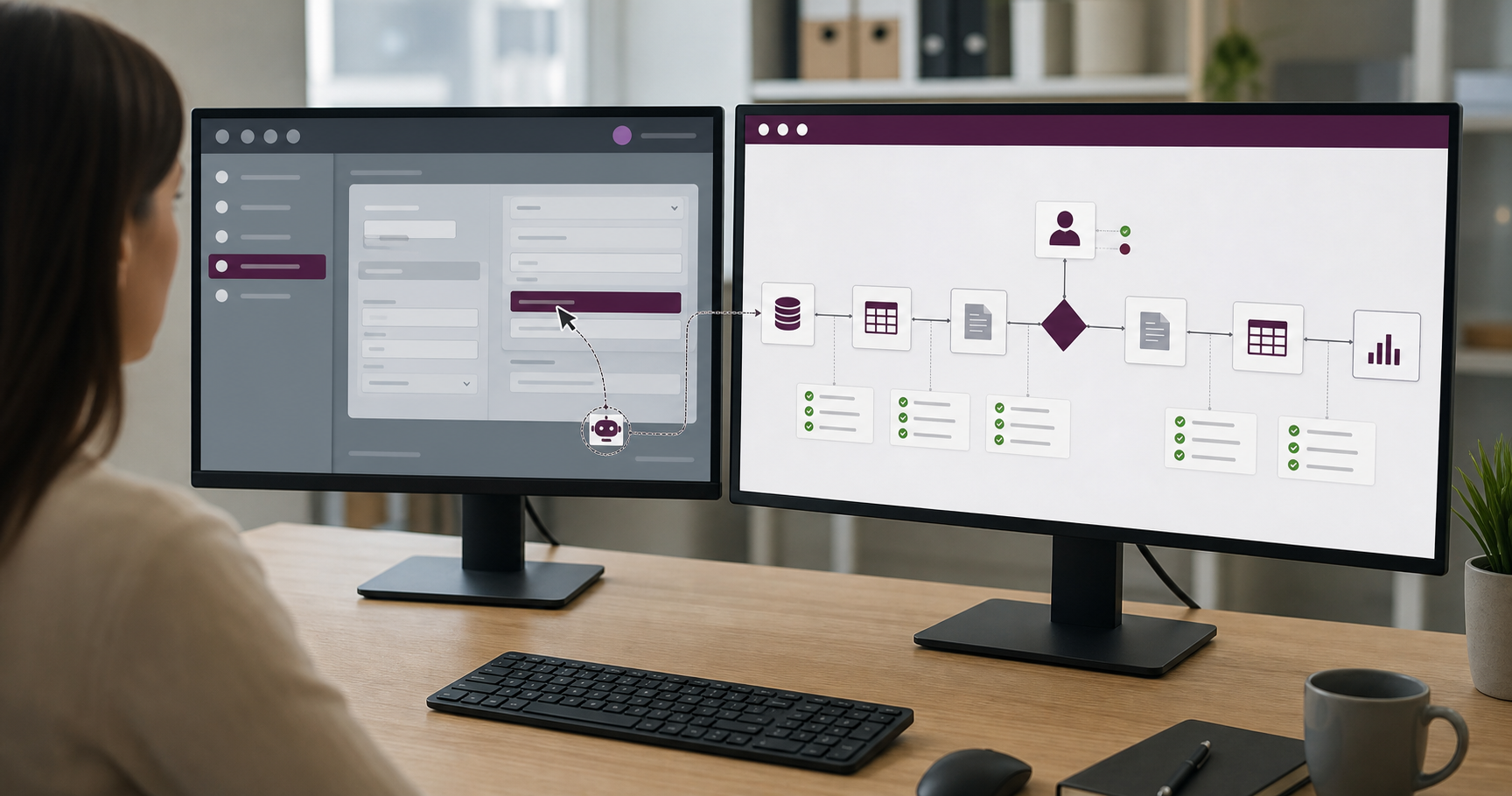
RPA vs Business Process Automation: When to Use Each
On this page
The practical difference between RPA and business process automation is scope: how much of the process each approach is responsible for and how it connects to the systems involved.
Robotic Process Automation (RPA) automates rule-based interactions with software interfaces, such as entering information into a desktop application or moving data between screens. Business process automation (BPA) coordinates a larger workflow across systems, data, business rules, and people.
They aren’t mutually exclusive. RPA can serve as one integration method inside a broader automated process, particularly when a legacy system doesn’t provide an API.
When I compare the two, I start with the boundary of the work. If the task lives inside one stable interface, RPA may be enough. If the outcome depends on several systems, teams, decisions, and handoffs, the problem is bigger than a bot. That’s the key distinction.
Understanding that distinction helps when evaluating an automation partner, because a provider should recommend the method that fits the process rather than forcing every problem into one tool.
RPA versus business process automation at a glance
| Consideration | RPA | Business process automation |
|---|---|---|
| Primary scope | A task or set of interface actions | An end-to-end business workflow |
| Typical connection | Desktop or web user interface | APIs, databases, events, workflow platforms, and sometimes RPA |
| Best fit | Stable, repetitive, rule-based work | Processes spanning systems, teams, rules, and approvals |
| Human involvement | Often attended operation or exception review | Approvals, decisions, assignments, and exception handling across the process |
| Main fragility | Changes to screens, fields, timing, or session state | Changes to integrations, business rules, data contracts, or dependencies |
| Governance need | Bot credentials, machines, versions, schedules, and logs | Process ownership, integration governance, rules, access, monitoring, and change control |
Microsoft’s Power Automate documentation describes the same architectural distinction as UI-based RPA through desktop flows and API-based digital process automation through cloud flows. A production system may combine both.
Automation architecture decision matrix
Use this matrix to record the conditions that should influence the architecture. One signal rarely decides the answer by itself.
| Signal | Likely direction |
|---|---|
| A required legacy system has no practical direct integration | RPA for that system boundary |
| The task stays inside one stable, predictable interface | RPA may be sufficient |
| The outcome spans several systems, teams, rules, or approvals | Business process automation |
| One legacy UI step sits inside a broader connected workflow | Hybrid BPA with RPA at the edge |
| The process requires durable state, queues, or reconciliation | Business process automation or hybrid |
| A supported API or connector is available | Prefer direct integration when practical |
The downloadable worksheet adds space for the business outcome, participating systems, system of record, exceptions, service level, ownership, and the reason for the final decision.
Download the fillable automation architecture decision matrix (PDF) →
What RPA is designed to do
RPA reproduces structured user actions in software. A bot might sign in to an application with managed credentials, read a record from a queue, search for a customer, enter values into defined fields, download a result, and record whether the task succeeded. In other words, it follows a route that a person could demonstrate on screen.
This approach can be valuable when a business relies on software that can’t be integrated directly. It can also provide a controlled bridge while a more durable integration is being developed.
Microsoft’s desktop-flow documentation describes RPA use across modern and legacy desktop and web applications, including rule-based tasks involving files, websites, Excel, and terminal applications.
Good candidates for RPA
An RPA task is strongest when the steps are deterministic, inputs are predictable, the interface is reasonably stable, and exceptions can be identified explicitly. Transaction volume still needs to justify the effort, and the organization needs someone who can maintain the bot when the application changes. Stability matters.
Weak candidates for RPA
Be cautious when the interface changes frequently, the task depends heavily on judgment, or the source data is inconsistent. RPA is also a weak choice when a supported API offers a simpler connection, the underlying process isn’t standardized, or a failure could create duplicate financial or customer transactions without reconciliation.
RPA can automate a poor process without improving it. Map the work before you automate the clicks.
What business process automation is designed to do
Business process automation begins with the outcome and coordinates the work required to reach it.
For example, an order workflow may need to:
- Accept an order from a storefront.
- Validate customer and product information.
- Authorize payment.
- Update inventory.
- Create a fulfilment task.
- Send a confirmation.
- Route exceptions to an employee.
- Update reporting and accounting systems.
No single interface action represents the process. The automation must manage state, business rules, connected services, people, and recovery across the entire transaction.
Good candidates for BPA
The broader approach fits when several systems participate in one outcome and work moves between teams or roles. It’s especially useful when approvals and service targets matter, data needs a defined system of record, events trigger downstream actions, or the organization needs end-to-end reporting. Exceptions belong inside that process design, not in a separate cleanup queue that nobody owns.
Cloud workflow tools are one implementation option. For example, Microsoft describes cloud flows as event-, button-, or schedule-triggered workflows that connect applications and services. Custom services, integration platforms, message queues, and application-native workflows can serve the same broader purpose.
Why integration method matters
Interface automation and direct integration fail differently. An RPA bot may break because a button moved, a page loaded slowly, a pop-up appeared, the session state changed, or authentication introduced a new prompt. An API integration has a different set of weak points: expired credentials, changed endpoints, rate limits, missing data, and provider outages.
Neither approach removes operational risk. What changes is the kind of failure you’ll need to test, monitor, recover from, and maintain.
This is particularly relevant to Canadian businesses modernizing around existing systems. Statistics Canada reported that 34.7% of enterprises that had not adopted advanced technologies identified difficulty integrating new technology with existing systems as an obstacle. That statistic covers advanced technologies broadly, but it supports evaluating compatibility before choosing an automation method.
Combine RPA and BPA deliberately
A hybrid architecture can keep RPA at the edge while a workflow layer coordinates the process.
Consider a legacy accounting application without an API:
- An API receives and validates a completed order.
- The workflow stores the transaction and creates a processing job.
- An RPA bot enters the approved data into the legacy accounting interface.
- The bot returns a reference number or a structured exception.
- The workflow updates the order and continues to confirmation.
- Monitoring verifies that the business transaction completed across both systems.
This design isolates the interface-dependent step. If the legacy screen changes, the organization can repair that adapter without redesigning every part of the process.
Implementation note: why FormPay was a BPA problem
Context: UX Soda worked on FormPay, a commerce and order-management platform for small businesses. The product needed to bring storefront activity, customer information, orders, payments, confirmations, and operational updates into a connected experience.
Architecture decision: This was a business process automation problem because the desired outcome crossed several systems and stages. The work centred on a shared platform workflow and a Stripe Connect payment integration rather than a bot reproducing clicks in a single interface.
Operational complication: Order and payment state needed to stay consistent while merchants and customers received the correct updates. Treating each task as an isolated automation would have left the end-to-end transaction without a clear source of state or ownership.
How it was handled: The platform centralized order, customer, and payment activity, with automated workflows coordinating payment confirmations, order updates, and customer activity behind the scenes.
Observed result: The implementation turned fragmented order and payment tasks into a more centralized commerce workflow. The related FormPay case study documents the platform scope and links to customer-reported business outcomes.
Limitation: This example does not compare the same workflow implemented with RPA, and it does not show that BPA is always preferable. It shows how process scope—not a preference for a particular tool—can determine the architecture.
Compare total cost, not only build speed
RPA can sometimes be deployed quickly, but the initial build is only part of the cost. Licensing, managed machines, credential administration, application-update testing, exception handling, on-call support, and selector maintenance all continue after launch. Delayed or duplicated transactions can cost more than the bot itself, and the organization may eventually replace it when a direct integration becomes available.
For BPA, include connector and platform costs, custom integration work, data modelling, governance, process change, and ongoing operations. A faster prototype isn’t necessarily the less expensive production system.
Use a decision sequence
Work through these questions before selecting a tool:
- What business outcome should improve?
- Where does the process begin and end?
- Which systems, roles, and decisions participate?
- Which systems offer supported APIs, connectors, events, or database access?
- Where is UI automation genuinely necessary?
- What volume, timing, and reliability are required?
- Which exceptions need human-in-the-loop review?
- How will the workflow be monitored and recovered?
- Who owns the process and technical components?
- What is the expected maintenance cost over several years?
Then pilot one representative process. Include an intentional exception and a dependency failure rather than testing only the ideal route.
Choose architecture from the process outward
RPA is useful for stable interface-based tasks, especially where legacy software has no practical integration. Business process automation is appropriate when the organization needs to coordinate a complete workflow across systems and people.
The strongest implementation may use both. My rule of thumb is to treat RPA as an integration technique, BPA as the scope of the process, and measurable business improvement as the reason for using either one. If the architecture can’t be explained in those terms, the tool may be driving the decision.
Frequently asked questions about RPA and business process automation
Is RPA the same as business process automation?
No. RPA automates rule-based interactions with software interfaces, often by reproducing user actions. Business process automation coordinates a broader end-to-end workflow across systems, data, rules, and people. RPA can be one component inside a business process automation solution.
When is RPA the better choice?
RPA is useful when a stable, rule-based task must interact with a desktop, website, or legacy application that lacks a practical API or direct integration. It fits best when inputs and interfaces are predictable and the task has clear exception rules.
Can RPA and business process automation work together?
Yes. A broader workflow can use APIs and event-based integrations for most systems while calling an RPA bot at the edge to interact with one legacy application. The workflow layer can manage routing, approvals, monitoring, and recovery around the RPA task.
Which approach is more reliable?
Direct API or database integrations are generally less sensitive to visual interface changes than UI-based RPA, but reliability depends on architecture, testing, monitoring, data quality, and maintenance. A well-controlled RPA implementation can be appropriate when no better interface exists.